Do I need permissions?
Yes: microphone and screen recording are system dialogs; accessibility lives in Settings. Without them the app hears no question and sees no statement.
It hears the call, answers in a card over the window, and draws code at the caret. You do the typing.
Watch the demoThe same session in two views: the overlay windows and the terminal log. Chapters seek the recording.
Before the call, the screen, live coding, the walkthrough, a new case, the close. Each moment is one or two keys and what appears on screen. The stills come from the recording above.
Three permissions, the stack, and room for the card. Permissions are checked with the same key that grants them.
⌃⌥Y permissions, ⌃⌥← → ↑ ↓ place, ⌃⌥= / − size.
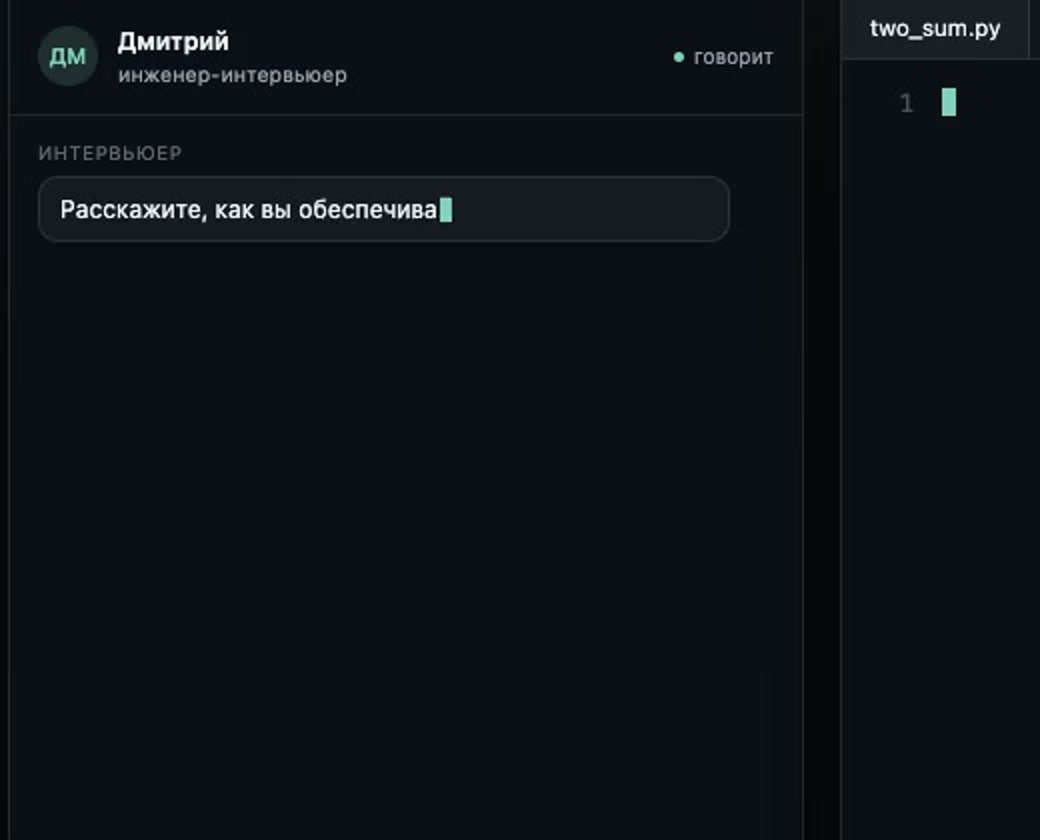
While the interviewer speaks, hold one key. Release it and the card holds an answer to what was just said.
⌃⌥L hold while the question plays; ⌃⌥A bring the card back.
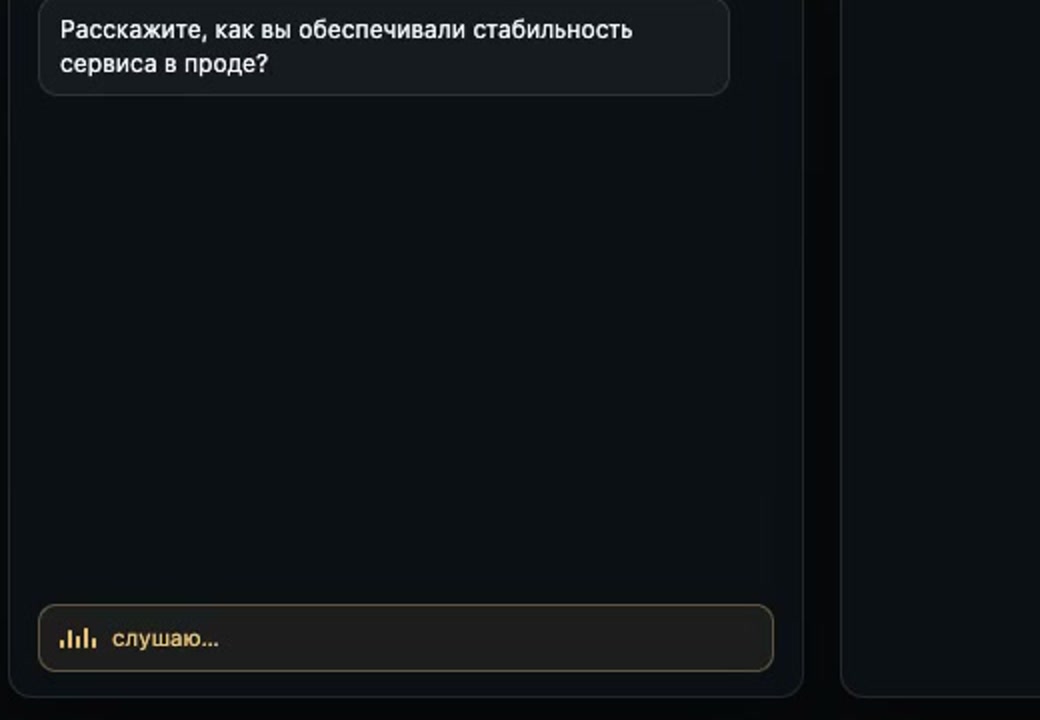
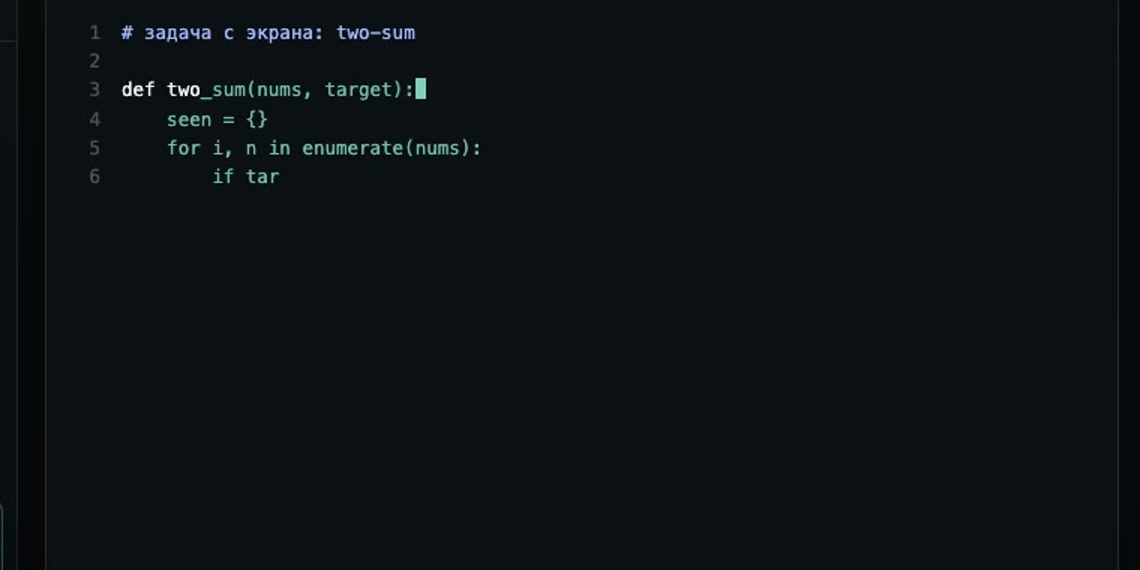
Capture the task from the screen once; the statement sticks. In the editor the ghost solves that.
⌃⌥P capture the statement, ⌃⌥G ghost at the caret, Esc hide.
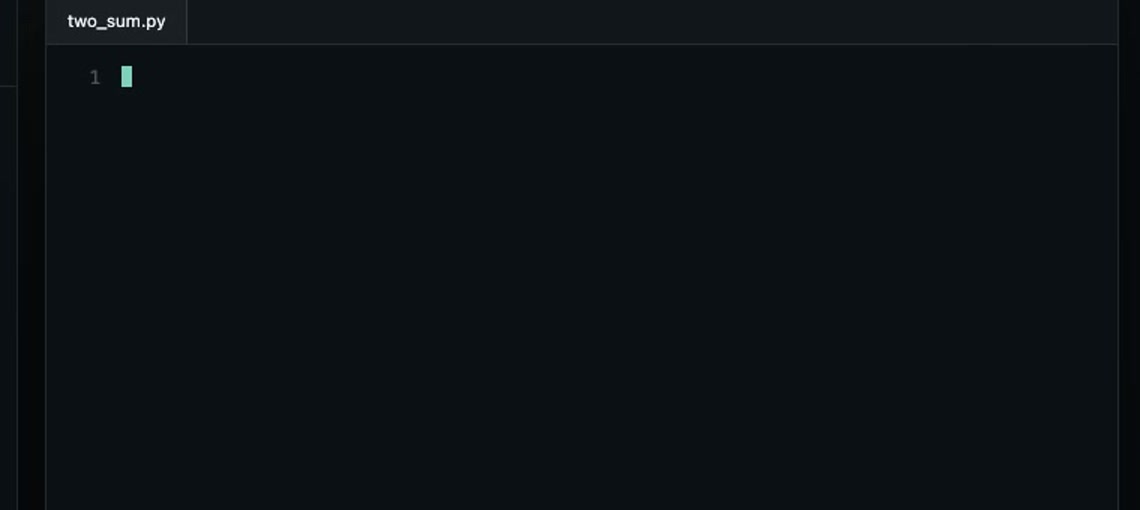
A question about the code on screen is one key; a spoken question is the same key as the screening.
⌃⌥J question about the screen, ⌃⌥L question by voice.
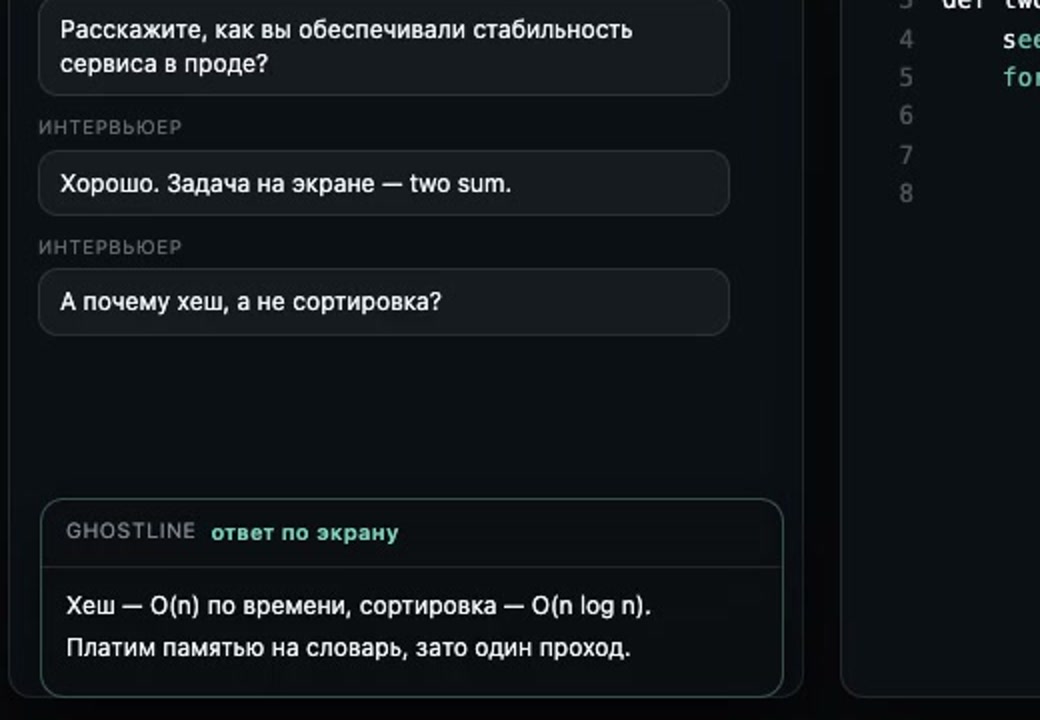
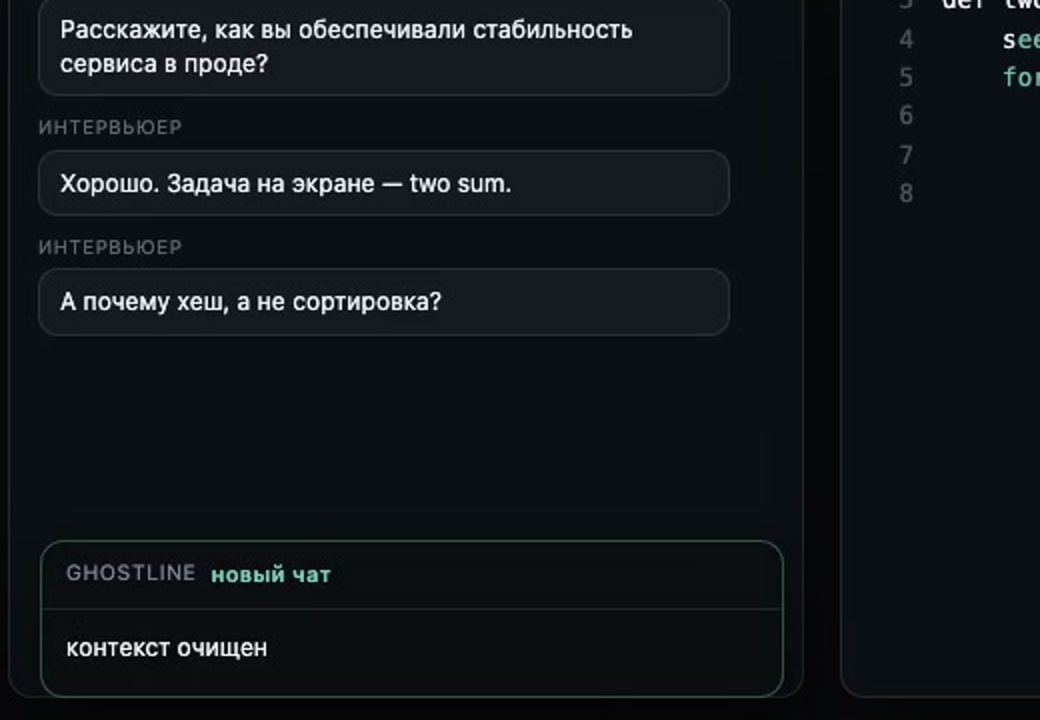
Earlier questions must not leak into the answer: one key clears the context, then the same order.
⌃⌥N new chat, then ⌃⌥P and ⌃⌥G.
Dismiss the card and the ghost at once, and when you need to, open settings or type a question by hand.
Ctrl+Opt+X hides everything, S opens settings, I turns on typing. The rest of the keys are below.
Thirteen combinations for the whole product. Plain Esc stays yours unless the ghost is on screen.
Yes: microphone and screen recording are system dialogs; accessibility lives in Settings. Without them the app hears no question and sees no statement.
No. You type; the ghost only shows the solution at the caret and erases itself the moment you start typing.
Audio to Deepgram, text to OpenRouter, on your keys. The session journal stays local,
in ~/Library/Application Support/Ghostline.
No. The card's window is marked non-shareable, and the system
enforces it, not the app: both the system screenshot and ScreenCaptureKit, the capture stack
Zoom, Meet and macOS screen recording run on, return the screen without it. Measured on macOS 26:
a frame taken through ScreenCaptureKit contains zero pixels of the card. Windows is stricter still:
DWM refuses the window to every capture path. And ^~X drops the card instantly if you
want it gone sooner.
There isn't one. The app lives without a Dock, a menu, or Cmd-Tab — only overlays above the active window.
macOS 13+ on Apple Silicon, Windows 10+ on x64. Free to download: this build includes $100 of API usage, a hard cap with no override. The subscription build comes next.